Problem: I hate Mounriver IDE Solution: Use the Arduino framework in PlatformIO with VSCode
The CH32v003F4P6
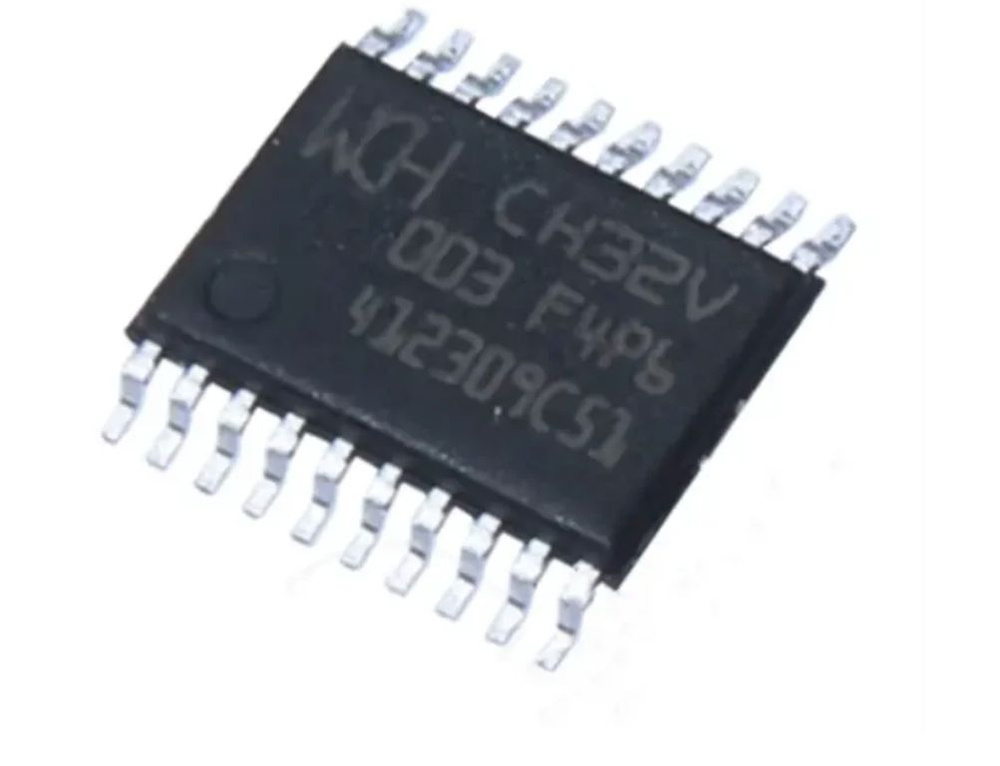
This tiny $0.1 microcontroller is adorable.
I’ve recently made a custom PCB with it and I wanted to use it with PlatformIO, primarily because:
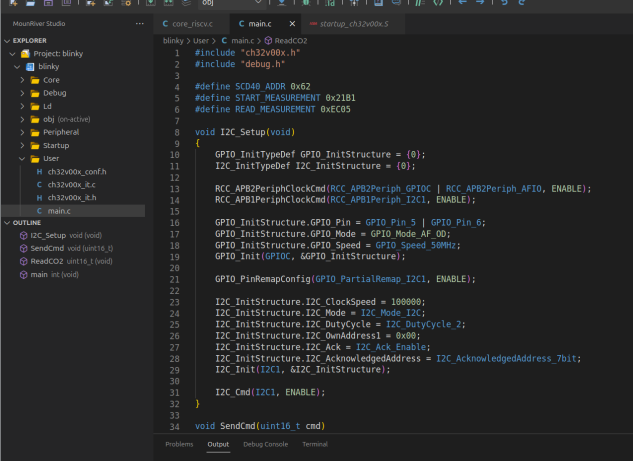
EWWWWWWWWWWww
I hate proprietary IDE’s, enviroments etc. I don’t need Neovim to work with everything, but working with:
- Thonny for Micropython
- STM32CubeIDE for STM32’s
- ArduinoIDE for Arduinio’s
- MounriverStudio for WCH’s chips
- Segger for Nordic chips
- Neovim for the things I want to.
- VSCode for ESP-IDF
Is horrible, and that might be a slight exaggeration, but you get the idea.
Preparing
- Install PlatformIO I won’t baby you through this.
Assuming you’re on the VSCode extension, you’ll need to open a “debug terminal” and run:
pio pkg install -g -p https://github.com/Community-PIO-CH32V/platform-ch32v.git
Then add the following to /etc/udev/rules.d/99-platformio-dev.rules
SUBSYSTEM=="usb", ATTR{idVendor}="1a86", ATTR{idProduct}=="8010", GROUP="plugdev"
SUBSYSTEM=="usb", ATTR{idVendor}="4348", ATTR{idProduct}=="55e0", GROUP="plugdev"
SUBSYSTEM=="usb", ATTR{idVendor}="1a86", ATTR{idProduct}=="8012", GROUP="plugdev"
!!! RESTART YOUR SYSTEM !!!
Please for the love of god, I never restart my system after changing udev rules, thinking I can trick the kernel into change them. No. Restart your system.
Doing
Create a new PlatformIO project, I chose to do it with an Arduino UNO, then edit your platformio.ini to be something like this:
[env]
platform=ch32v
framework = arduino
monitor_speed = 115200
board_build_core = ch32v003

[env:ch32v003f4p6_evt_r0]
board = ch32v003f4p6_evt_r0
Plug in your WCH-LinkE and build and flash!
For me the code looked like this:
#include <Arduino.h>
#define LED D4

void setup() {
    pinMode(LED, OUTPUT);
}

void loop() {
    digitalWrite(LED, HIGH);
    delay(1000);
    digitalWrite(LED, LOW);
    delay(1000);
}
There we go :) a blinking LED, obviously change your D4 if that isn’t your LED, but you should be able to use the Arduino for programming your CH32V003’s now :)